
A lost phone, an unavailable passkey, or an administrator locked out by a Conditional Access change is not just a helpdesk problem. It is an identity security event. The question is not whether an organization has MFA. The question is whether it can restore the right person’s access without creating an easier path for an attacker.
Microsoft Entra ID now has several recovery and access paths: user self-service password reset, account recovery after all registered methods are gone, temporary onboarding methods, privileged administration, and emergency access accounts. They solve different failures. Treating them as one “MFA reset process” creates blind spots. A sensible review maps every path that can change authentication methods, reset credentials, or regain tenant administration.
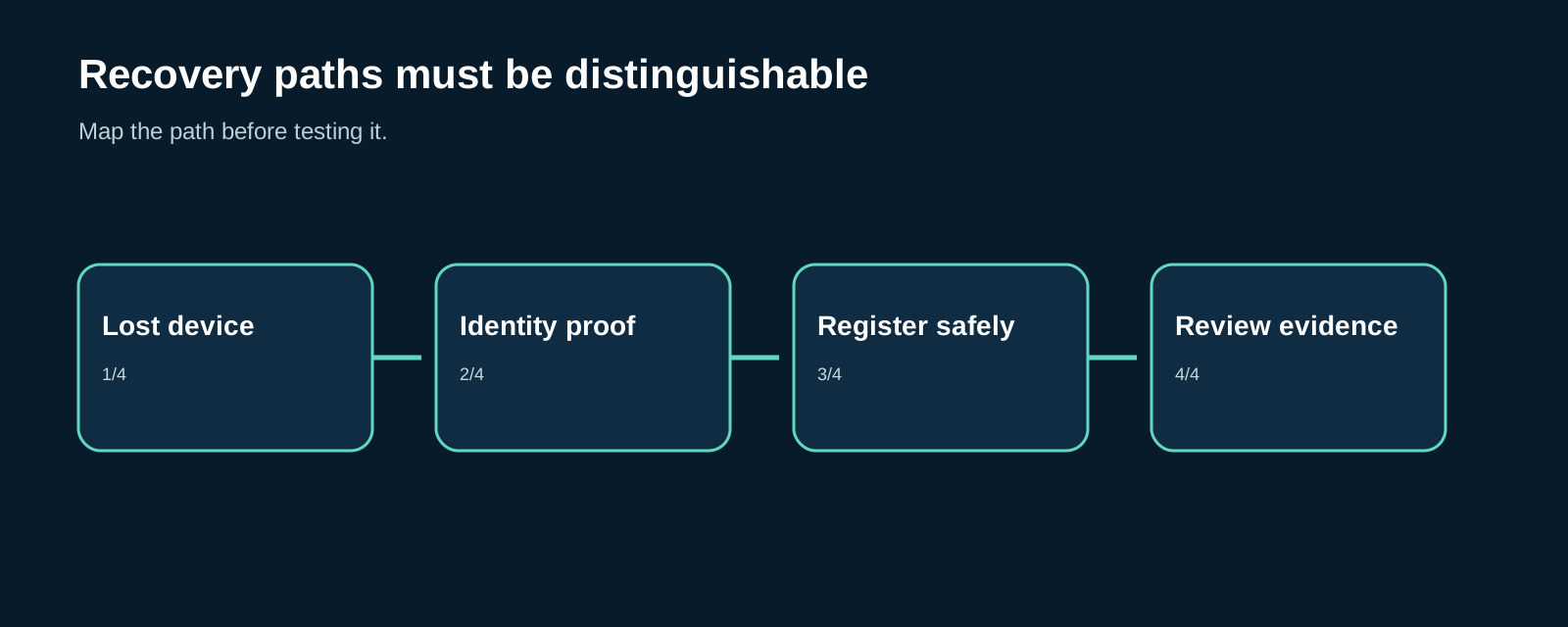
Start with the recovery decision, not the control name
Self-service password reset assumes a user still controls a registered method. Account recovery addresses complete loss of registered methods and re-establishes identity through identity verification. Microsoft describes these as separate scenarios, with different trust assumptions and recovery scope. Microsoft’s account recovery overview is therefore a useful design reference, but it is not proof that an organization’s real process is safe.
A review should first distinguish four events:
| Event | Safe question to test | Evidence to keep |
|---|---|---|
| Lost device | Can the legitimate user recover without a weak fallback? | policy, verification outcome, audit trail |
| Suspected compromise | Can untrusted methods be removed and access re-established? | incident decision, affected methods, re-registration evidence |
| Helpdesk request | Can staff verify identity without being socially engineered? | approval and escalation record |
| Admin lockout | Can the tenant be administered during an identity or policy outage? | emergency-account drill and monitoring alert |
The test is not a request to reset real users repeatedly. Use agreed test accounts, a change window, and a clear rollback. Stop if the exercise would alter production access for an uninvolved user, bypass an agreed safety condition, or create an untracked privileged session.
Find every path that can register or reset a method
The most common weakness is not a missing MFA checkbox. It is a policy gap between the intended method and the methods still usable in practice. Microsoft notes that authentication-method policy, legacy MFA settings, and legacy SSPR settings can overlap; a user enabled in any applicable policy may be able to register and use a method. To prevent use, the method must be disabled everywhere it applies. Review the authentication methods policy behavior rather than assuming the newest policy alone is authoritative.
For each user population, document:
- which methods can be registered, used for sign-in, and used for password reset;
- who can modify those methods, reset passwords, issue a Temporary Access Pass, or change Conditional Access;
- whether support staff have a separate, recorded identity-verification procedure;
- which logs show a registration, reset, role change, or policy change; and
- whether a privileged user can satisfy a weaker method than the method required for an ordinary sign-in.
Authentication strengths can restrict what satisfies a protected action or security-information registration. They are useful only when the target population, exclusions, and user experience have been verified. Microsoft’s authentication-strength guidance explains this relationship; the review should prove the tenant configuration matches the intended outcome.
Emergency access must be available and exceptional
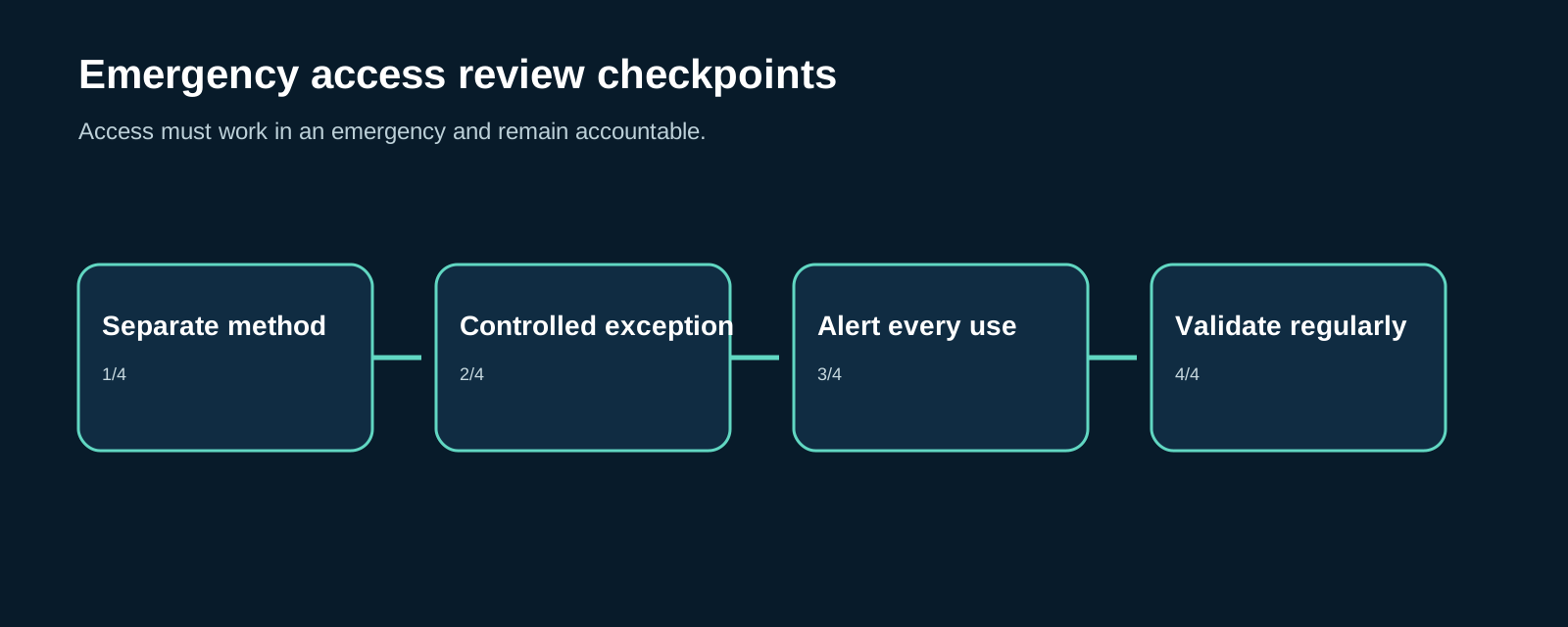
Emergency access accounts are not ordinary administrator accounts with a memorable password. Their purpose is to retain tenant administration when normal identity dependencies fail. Microsoft recommends at least two cloud-only emergency accounts, with credentials and strong authentication that do not depend on the same people, devices, federation, or methods as normal administrator access. The same guidance calls for monitoring, secure credential storage, and regular validation. See Microsoft’s emergency-access account guidance.
That creates a necessary tension. An emergency account caught by a blocking Conditional Access policy may be unusable during the emergency. An account broadly excluded from controls but never monitored becomes a permanent high-value exception. The answer is not to abandon the account. It is to document the exclusion, use a distinct phishing-resistant method, alert on every use, restrict who can retrieve the credential, and rehearse the process.
Run a controlled review exercise
A productive exercise has four short phases.
- Map. List recovery journeys, administrators, methods, service dependencies, policies, support roles, and emergency accounts. Include legacy settings and break-glass exclusions.
- Prove. With test identities, verify the permitted recovery journey and confirm that weaker or unapproved routes are unavailable. Capture the relevant sign-in, audit, and policy evidence.
- Decide. For each gap, identify whether it is a policy conflict, excessive privilege, weak identity proofing, undocumented support practice, or missing monitoring.
- Fix and retest. Assign an owner and due date, update the process and configuration, then repeat the exact scenario. A closed ticket is not proof that a recovery path is safe.
This is an identity review, not an attempt to turn account recovery into a new attack path. Avoid publishing sensitive tenant identifiers, emergency-account names, or helpdesk verification answers in reports. Keep evidence minimal and store it with the same care as other privileged-access material.
What a useful finding looks like
“Enable stronger MFA” is rarely enough. A useful finding states the affected population, the reachable recovery or registration route, the required condition, the realistic impact, the owner, and the verification step. For example: a legacy policy leaves a fallback method available to a privileged group even though the modern policy excludes it; the remediation is to reconcile all policies, validate with a test account, and retain the resulting audit evidence.
The same thinking applies to privileged identity work. Review Active Directory security alongside cloud identity where hybrid administration or federation creates shared dependencies. Use a concise security checklist to turn the outcome into assigned actions rather than a one-time assessment.
Limitations and next step
This article does not replace the organization’s legal, HR, incident-response, or vendor requirements for identity verification. Feature availability and licensing can change, so validate the exact Microsoft documentation for the tenant before changing policy. The immediate next step is simple: schedule a controlled recovery drill for a test user and a separately governed emergency-account validation, then record what actually worked.
FAQ
Is SSPR the same as account recovery?
No. SSPR assumes the user retains at least one registered authentication method. Account recovery is intended for complete loss of registered methods and re-establishes trust through identity verification.
Should emergency accounts be excluded from Conditional Access?
They may need exclusion from policies that would block access in the outage they are meant to address. That exception needs compensating controls: distinct strong authentication, secure storage, alerts, authorization, and regular testing.
How often should an emergency-access drill run?
Microsoft’s guidance recommends validating emergency access regularly and at least every 90 days, as well as after relevant staffing or subscription changes. Use an agreed test procedure and preserve the evidence.

Comments
No comments yet. Be the first!
Leave a Comment